Overview
Theme Engine Pro is an Unreal Engine editor plugin for styling the editor with themes, color controls, Blueprint graph customization, and font selection.
Download and Install
You can install the plugin from Fab through the Epic Games Launcher.
After installing:
- Open your Unreal project.
- Enable the plugin if it is not already enabled.
- Restart the editor when prompted.
Open the Plugin
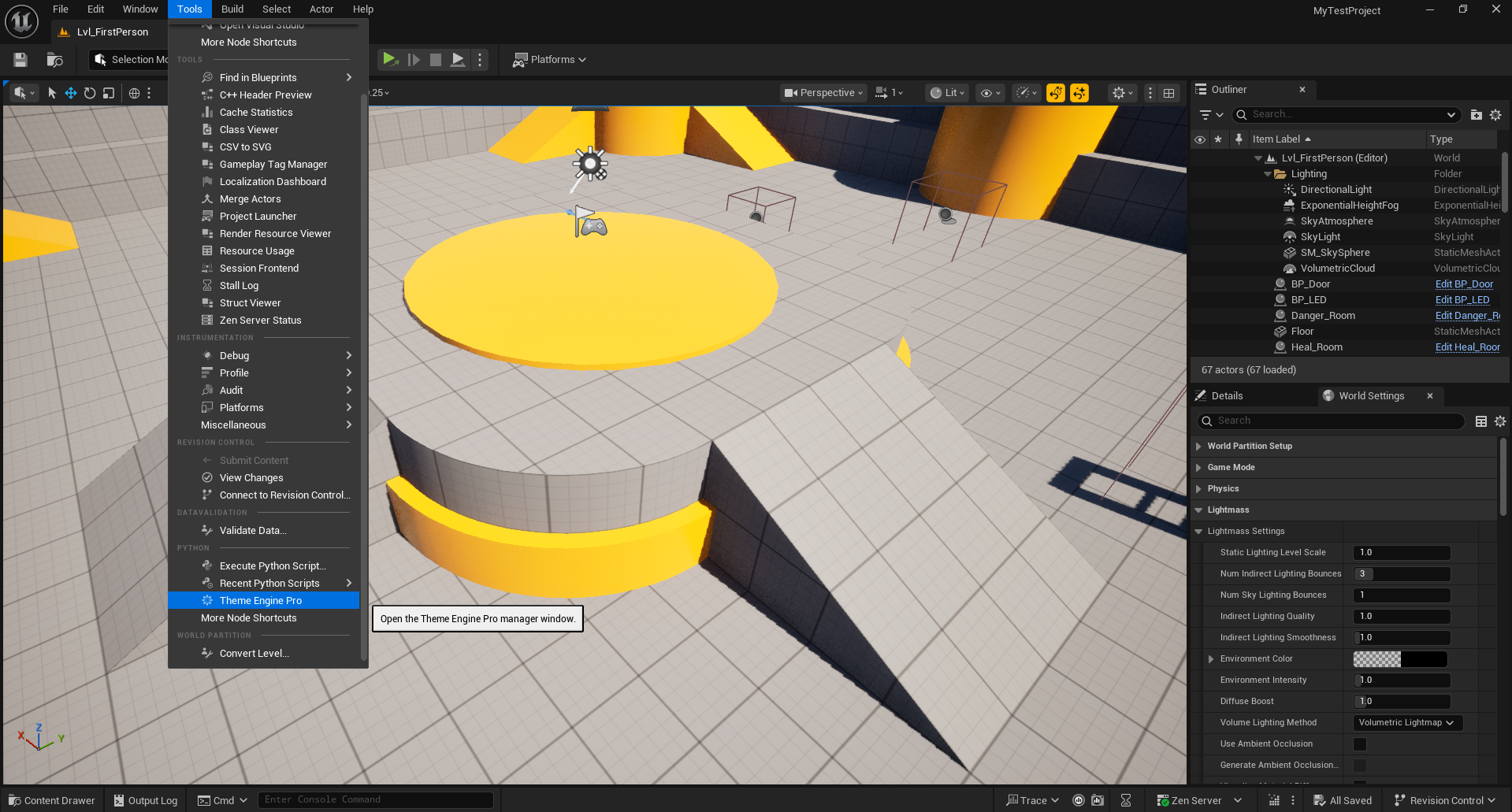
In Unreal Editor, open the plugin from the top menu bar:
Tools > Theme Engine Pro
You can also access it from the plugin tab once it is open.
How It Works
Theme Engine Pro uses a profile-based workflow:
- Built-in templates are read-only starting points.
- Custom themes are editable profiles.
- Changes are applied when you press
Apply Theme. - You can save the current custom state as a reusable profile.
This keeps the workflow predictable and avoids changing the built-in templates directly.
Main Workflow
1. Choose a theme
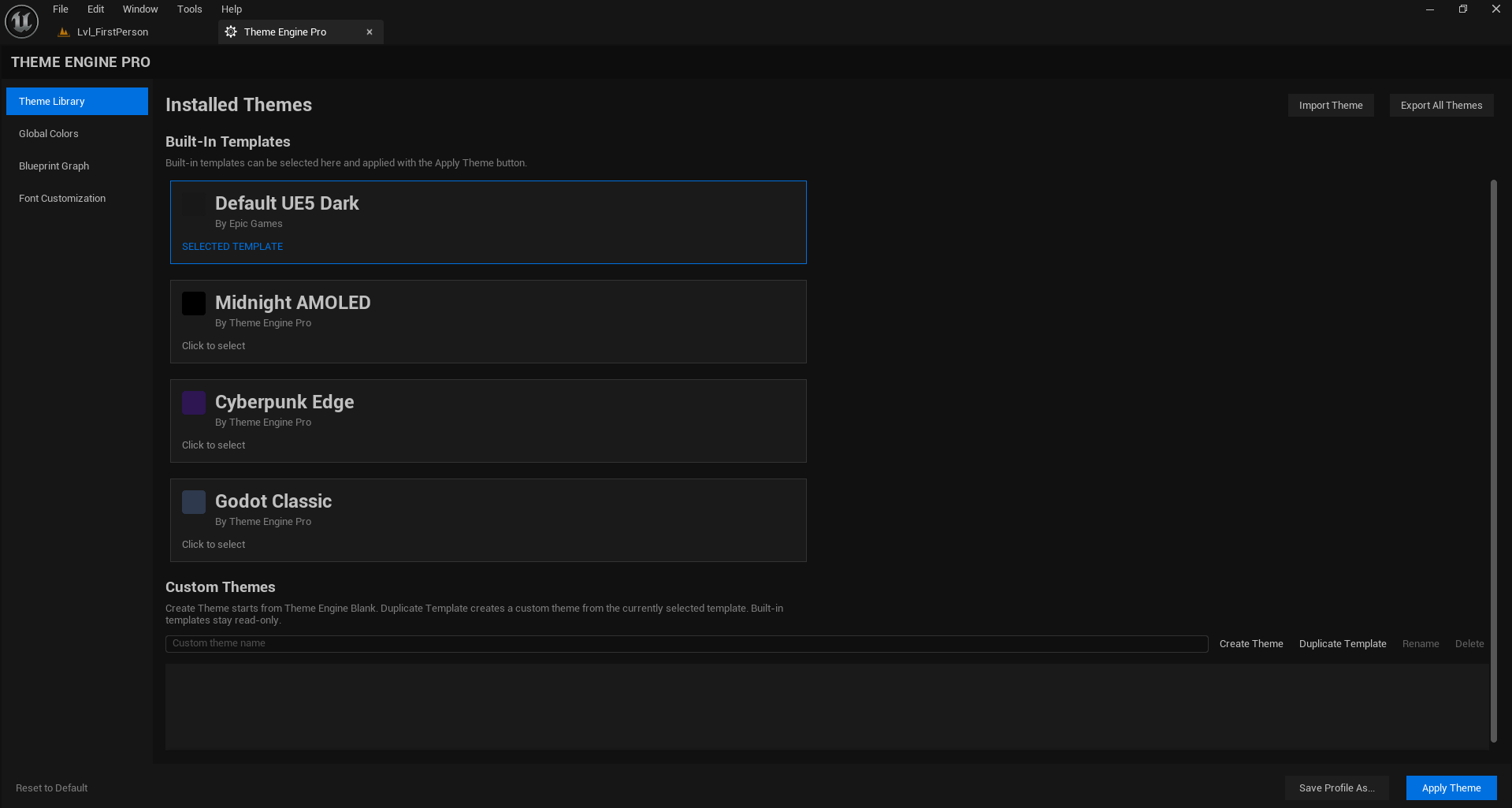
In Theme Library, select one of the built-in templates such as:
Default UE5 DarkMidnight AMOLEDCyberpunk EdgeGodot Classic
2. Create a custom theme
Use one of these actions:
Create Themeto start from the internal blank base.Duplicate Templateto copy the selected preset into a new custom theme.
3. Edit the theme
Use the left-side sections to adjust the editor:
Global ColorsBlueprint GraphFont Customization
4. Apply the theme
Press Apply Theme to push the current profile into the editor.
5. Save the theme
Use Save Profile As... to keep the current theme as a reusable custom profile.
Sections
Theme Library
Use this page to manage presets and custom profiles. Available actions:
Import ThemeExport All ThemesCreate ThemeDuplicate TemplateRenameDelete
Global Colors
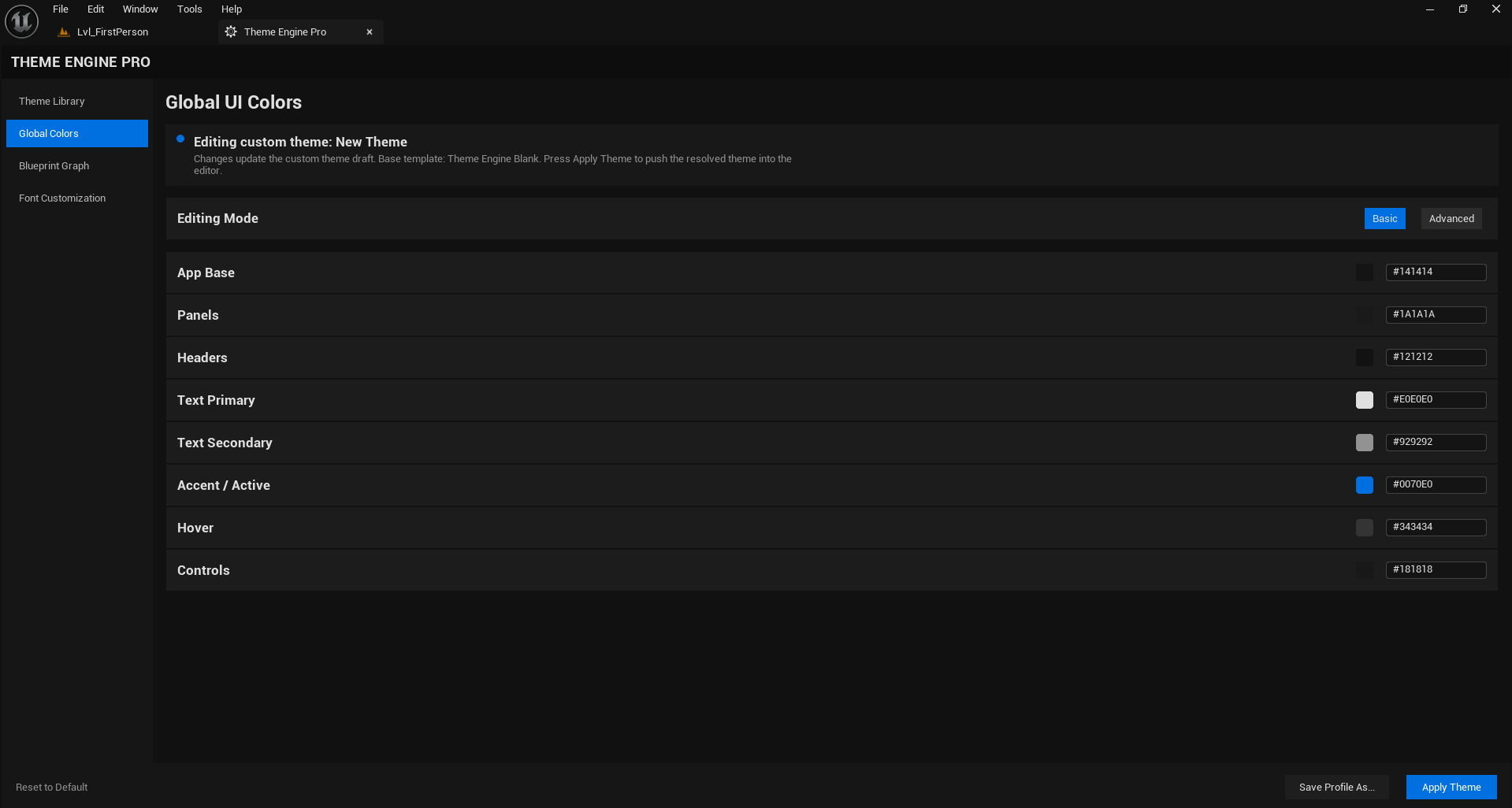
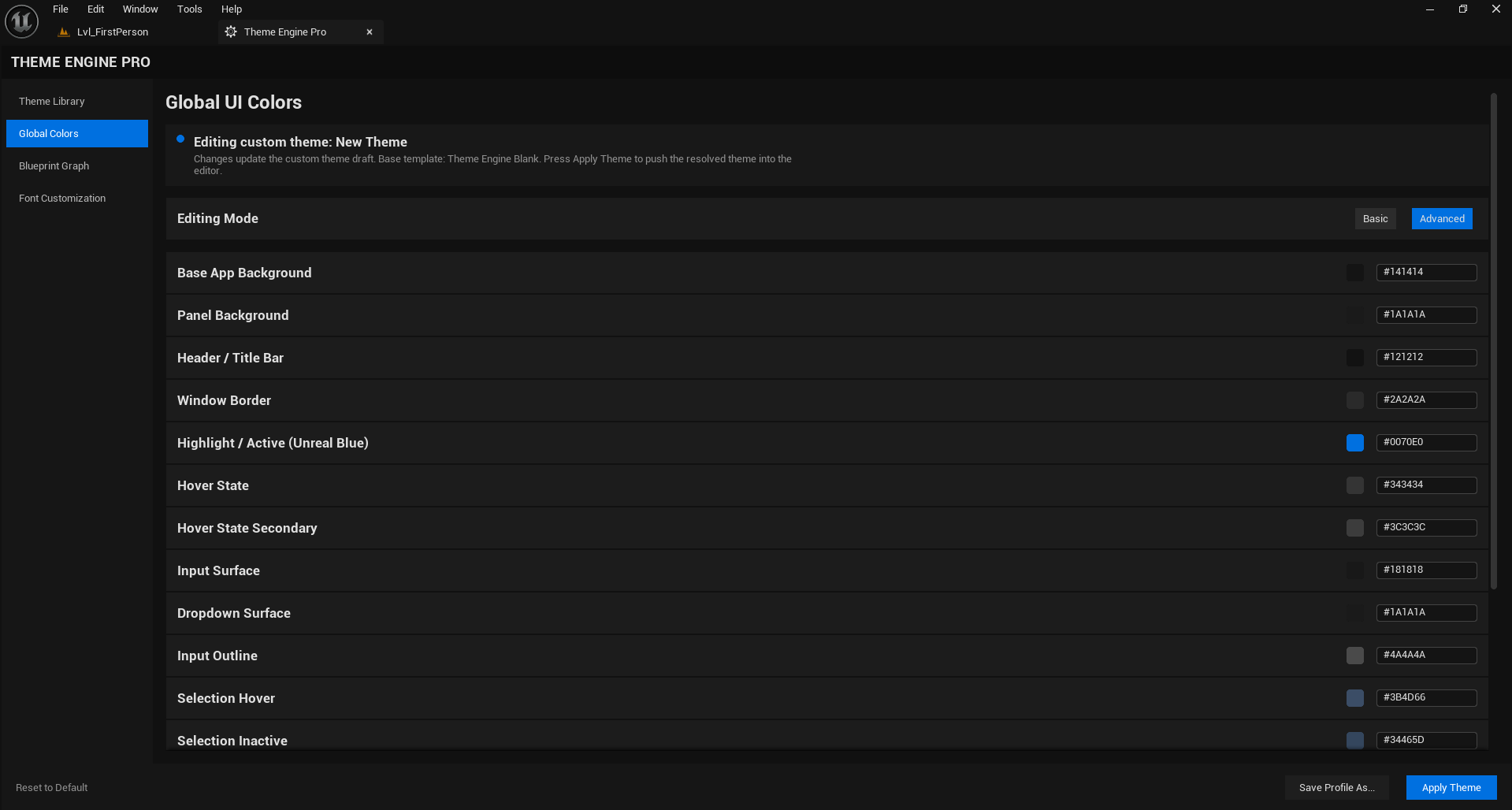
Use this page to adjust the editor's overall look. Two modes are available:
- Basic for a small set of common color choices.
- Advanced for full control over UI elements.
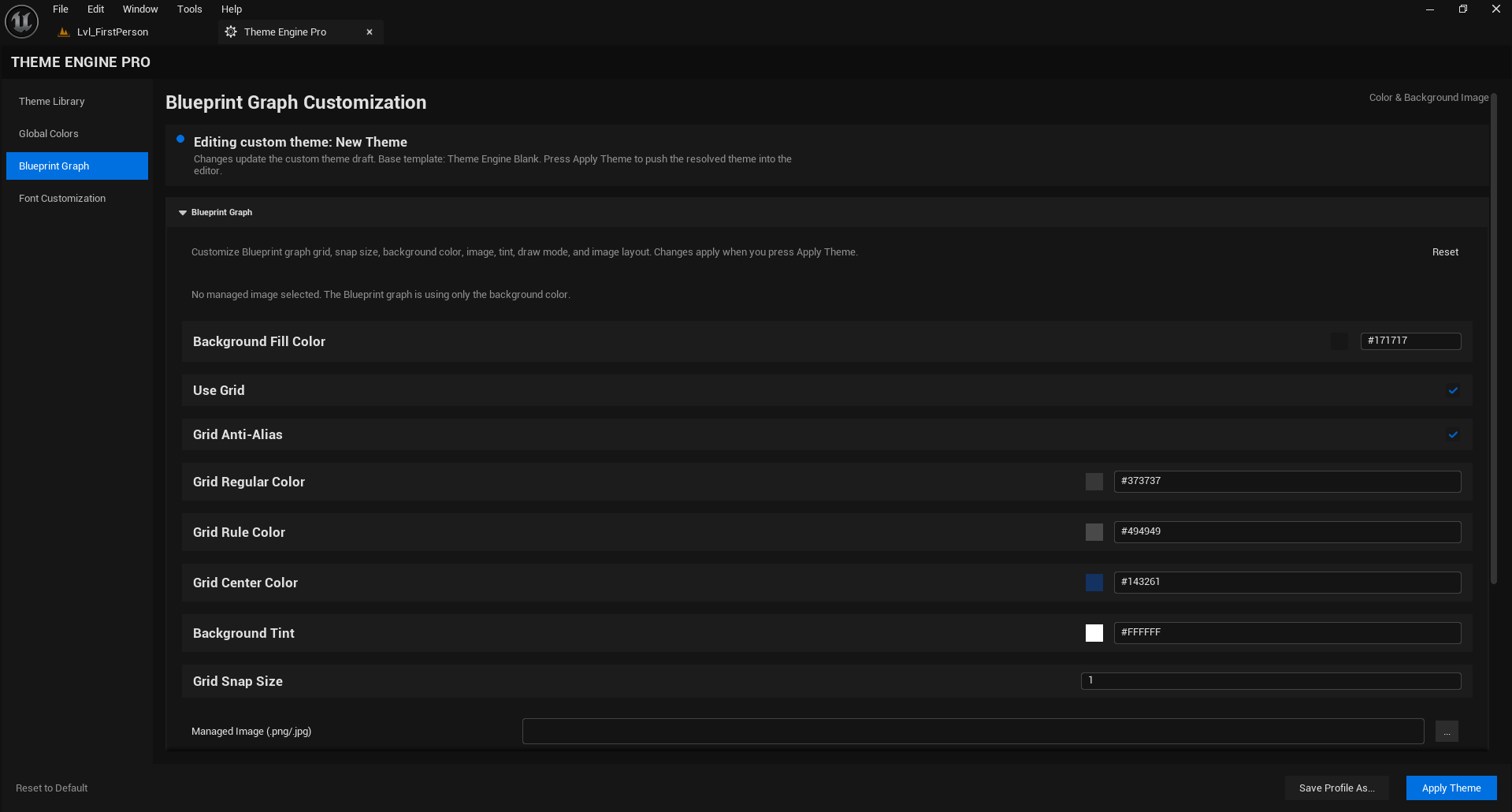
Blueprint Graph
Use this page to customize the Blueprint graph background. Supported controls include:
- Background color
- Managed background image
- Image opacity
- Image layout / tiling behavior
- Graph-related settings exposed by the plugin UI
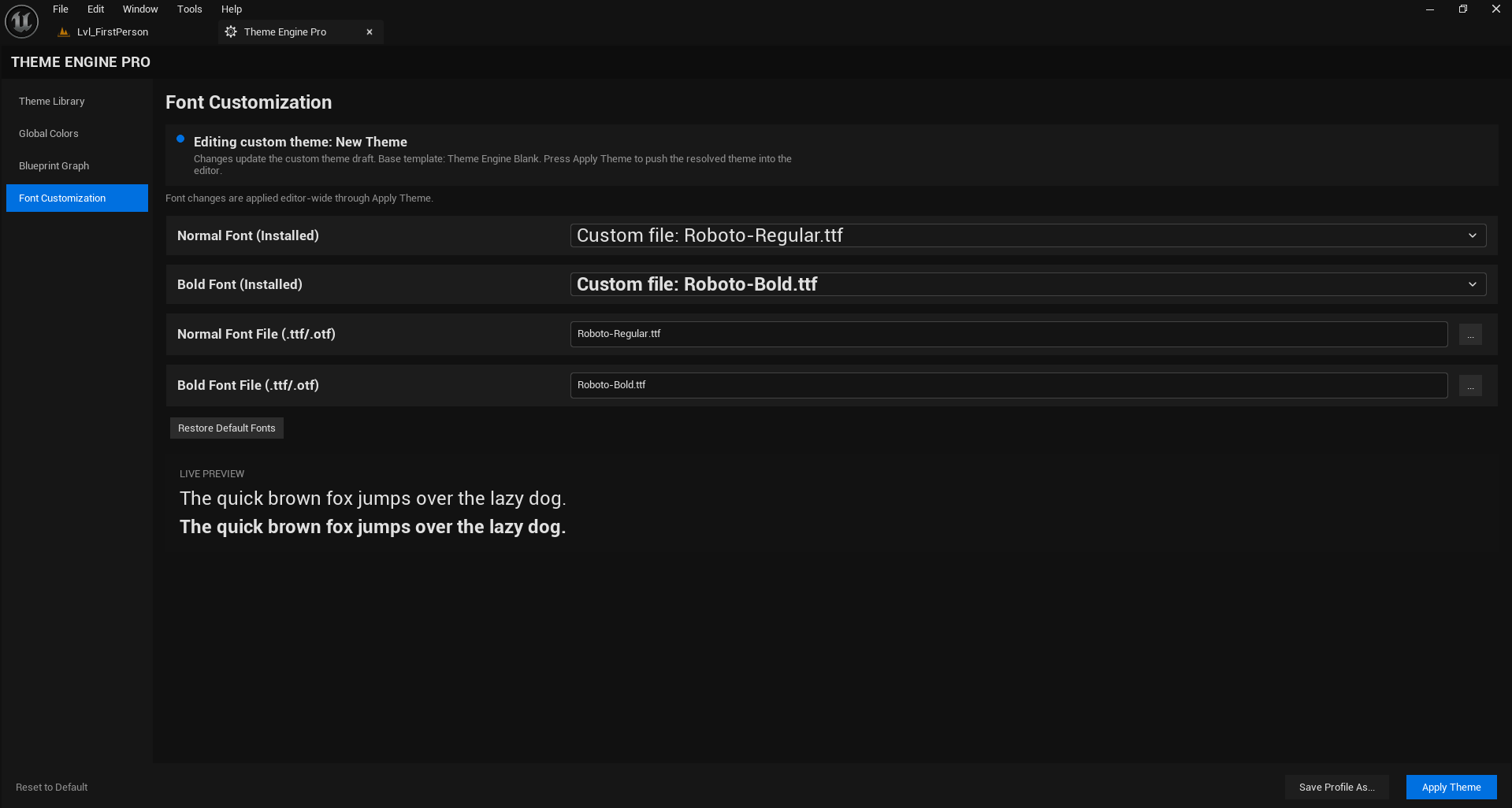
Font Customization
Use this page to choose installed editor fonts and restore the default font setup if needed.
Notes
- Built-in templates are intended to stay read-only.
- Custom themes are the place to make your own edits.
- If you change something and do not see it in the editor yet, press Apply Theme.
- The plugin is released as
Theme Engine Proon Fab.